
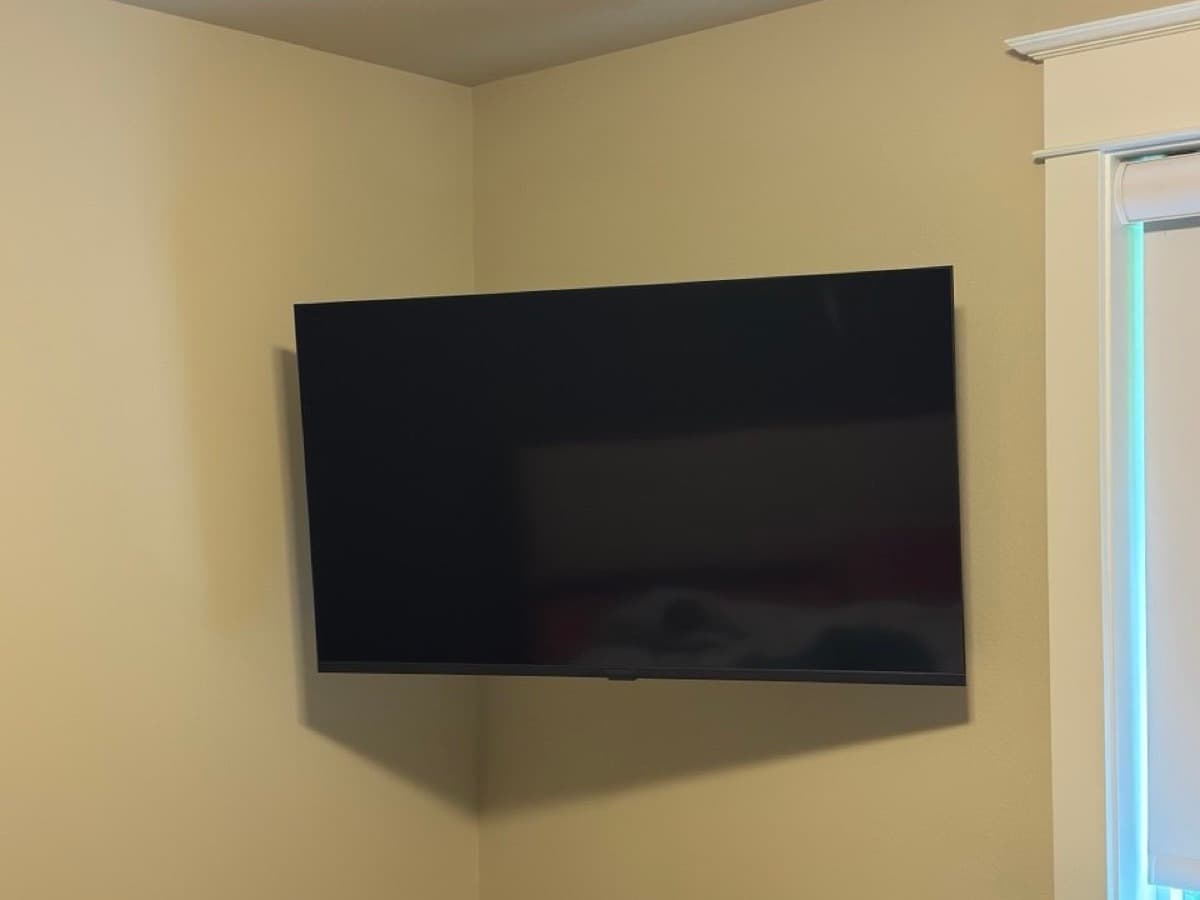
The YouTube Problem
Search "how to mount a TV" on YouTube and you'll find hundreds of tutorials. They make it look straightforward: find the studs, attach the bracket, hang the TV, done. For some people — with the right walls, the right tools, and some luck — it is that simple.
But the calls we get from homeowners who tried it themselves tell a different story. Here are the most common problems, and why they happen.
Problem 1: Missing the Studs
Stud finders are notoriously unreliable in certain wall types. Older homes with plaster walls, homes with multiple layers of drywall, or walls with metal fire blocking — all of these confuse inexpensive stud finders and even some expensive ones.
The result: the bracket gets mounted into nothing, or into one stud instead of two. A 65-inch TV weighing 70 lbs attached to a single anchor point is a liability. We've seen TVs pull off walls, taking the anchor and a fist-sized chunk of drywall with them.
Problem 2: The Wrong Anchors
If there are no studs where you want the TV, you need wall anchors — but not all anchors are rated for the same weight. A standard plastic toggle bolt might hold 30 lbs. A 65-inch TV with mount weighs 80–100 lbs. You need anchors rated for the actual load, and you need the right ones for your specific wall thickness and material.
Getting this wrong means the anchor doesn't seat properly — and the TV isn't actually secure even though it appears to be.
Problem 3: Cable Management Is Harder Than It Looks
Most people underestimate cable management. A mounted TV with four cables dangling down the wall looks unfinished — often worse than a TV on a stand. In-wall cable routing requires cutting two access holes, drilling through the wall at an angle, fishing cables through, and patching neatly. It takes about an hour when you know what you're doing, and much longer when you're learning on the job.
On some walls — brick, concrete, walls with insulation directly behind the drywall — in-wall routing isn't possible, and surface raceways are the right solution instead. Knowing which approach applies to which wall is part of the expertise.
Problem 4: Height and Alignment
Determining the correct mount height so the center of the screen is at seated eye level, marking the bracket at that height, drilling pilot holes, and hanging the bracket level — while managing a heavy bracket and no helper — is genuinely awkward.
We see a lot of TVs mounted 4–6 inches too high. It looks wrong, and after a few weeks of neck strain, people call us to remount. That's two service calls instead of one.
When DIY Makes Sense
If you have a standard drywall wall, a stud finder that's reliably worked in your home before, a helper, and you don't need cable management — the basic mounting process is manageable. Expect it to take 1–2 hours including measuring, leveling, and double-checking.
If any of those conditions aren't true — or if you're mounting above a fireplace, into brick or concrete, or with a TV above 65 inches — professional installation is worth the cost. You'll get it done in under an hour, it'll be level, and you won't need to patch drywall afterward.
What Professional Mounting Includes
EVN Handyman's TV mounting service covers stud location, secure anchoring, level placement, and surface or in-wall cable management. We bring all tools — stud finder, drill, level, bit set — and test the mount before we leave. Most jobs take 60–90 minutes.